
Star Wars: Galaxy’s Edge®
Encounter Legendary Characters and Stories in a Galaxy Far, Far Away


| 1 | 2 | 3 | 4 | 5 | ||
| 6 | 7 | 8 | 9 | 10 | 11 | 12 |
| 13 | 14 | 15 | 16 | 17 | 18 | 19 |
| 20 | 21 | 22 | 23 | 24 | 25 | 26 |
| 27 | 28 | 29 | 30 |
Wednesday, September 30, 2026
Disneyland Park Park Hours
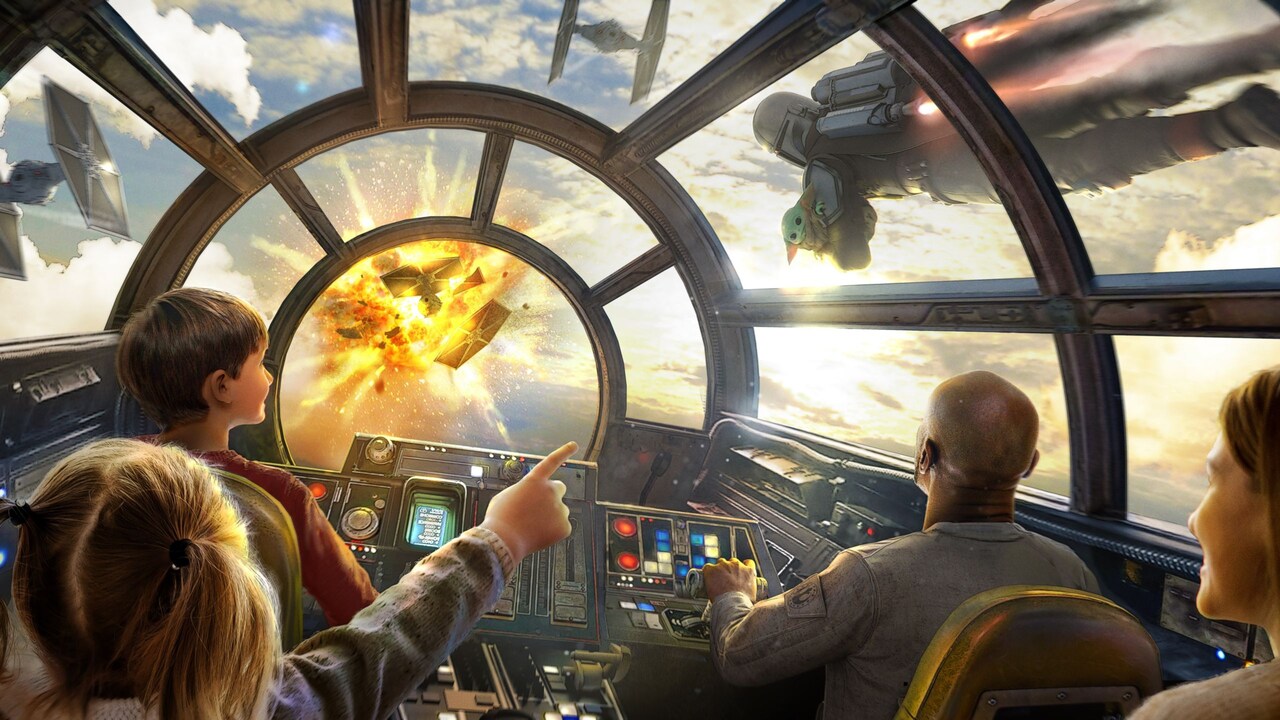
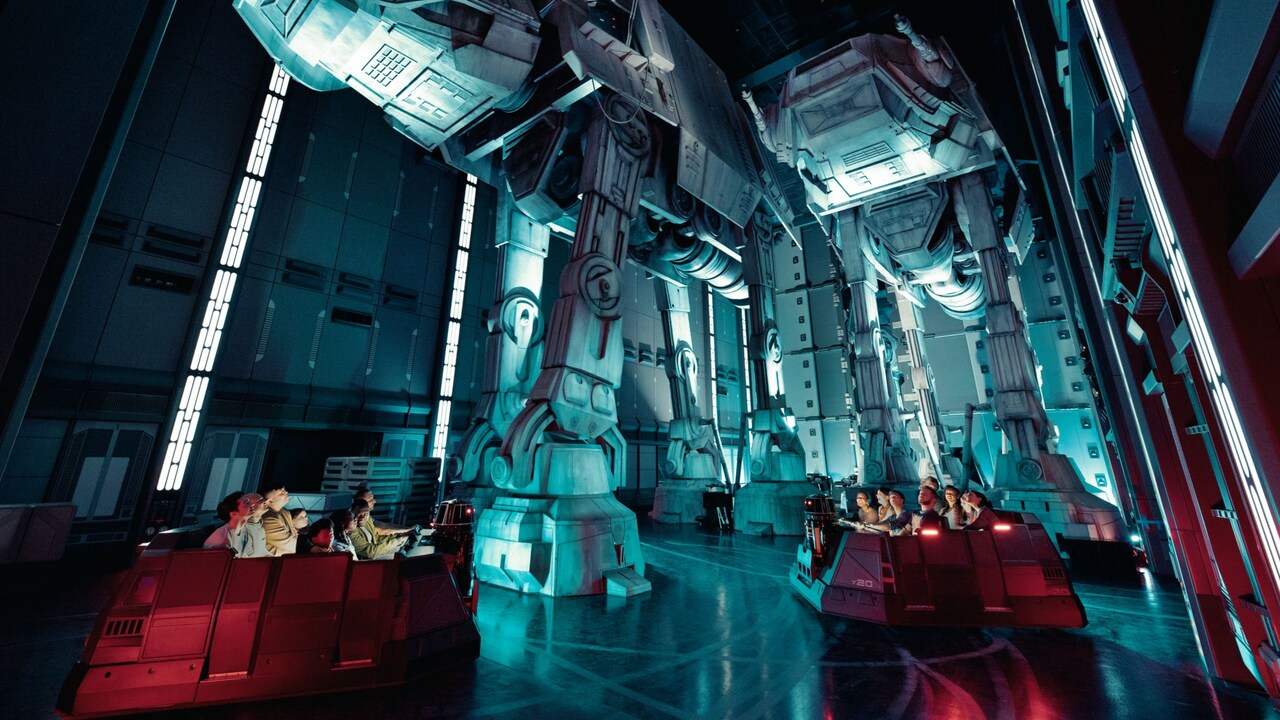
Star Wars Experiences
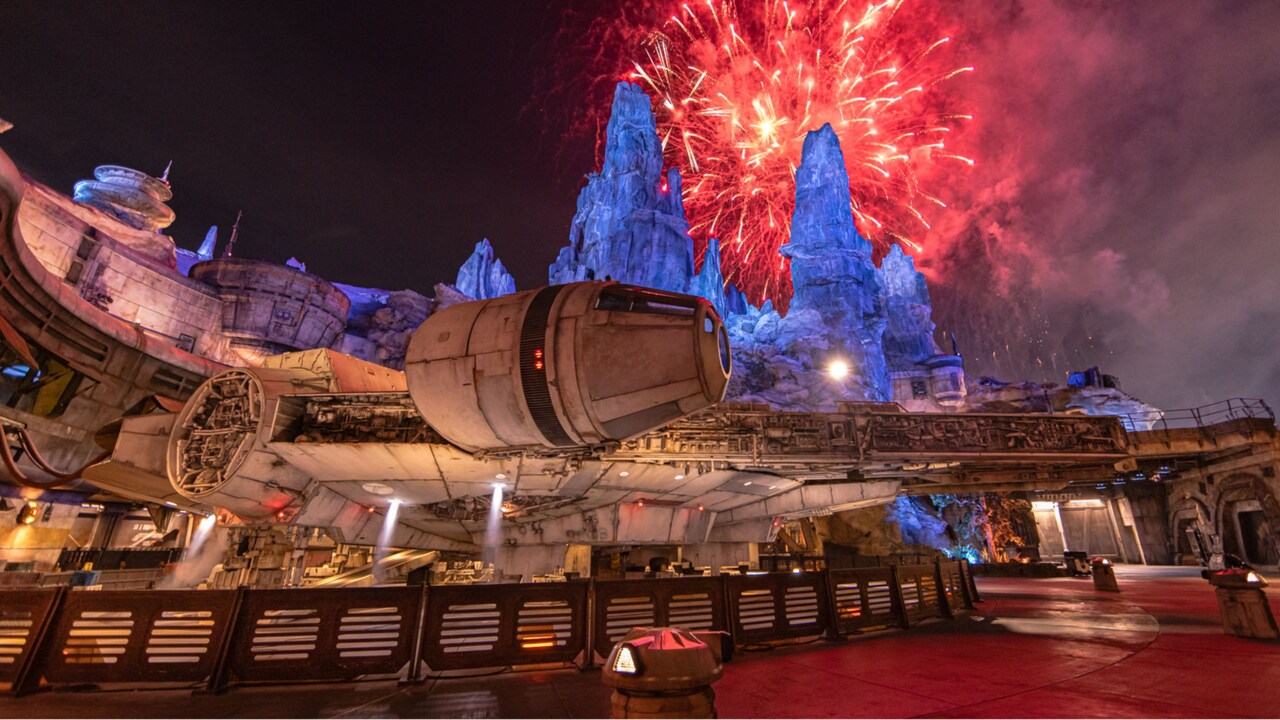
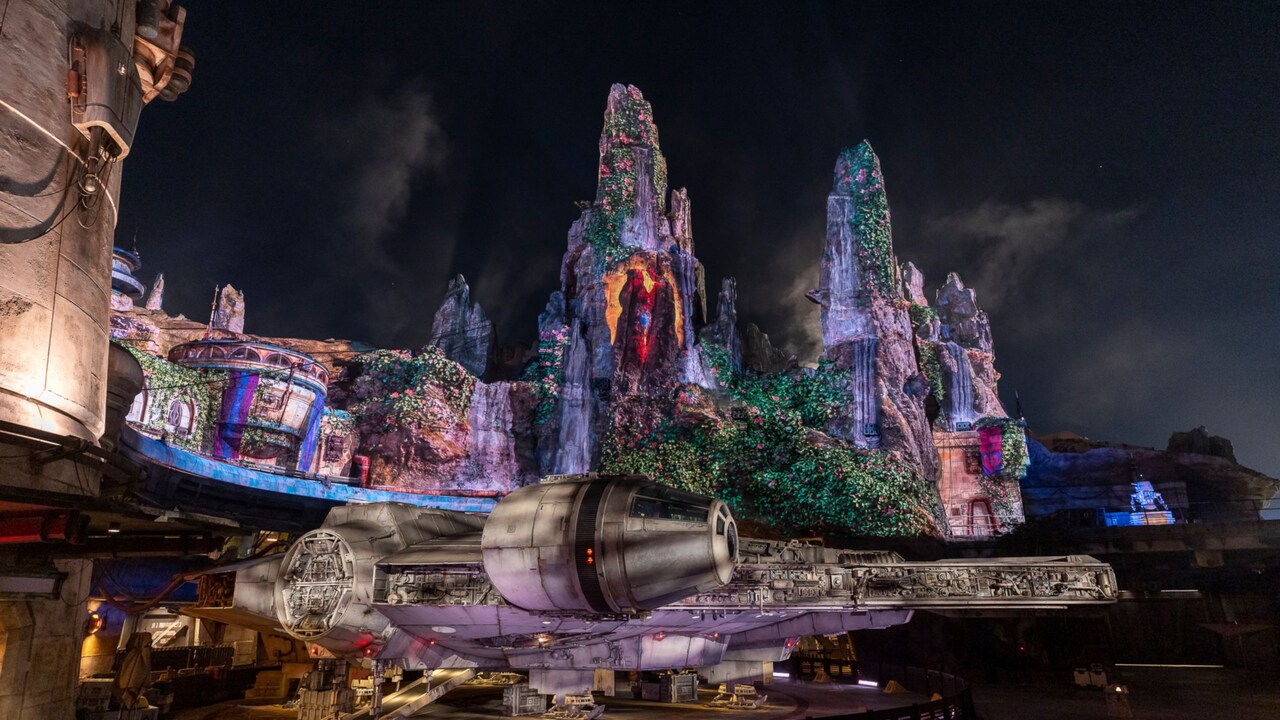
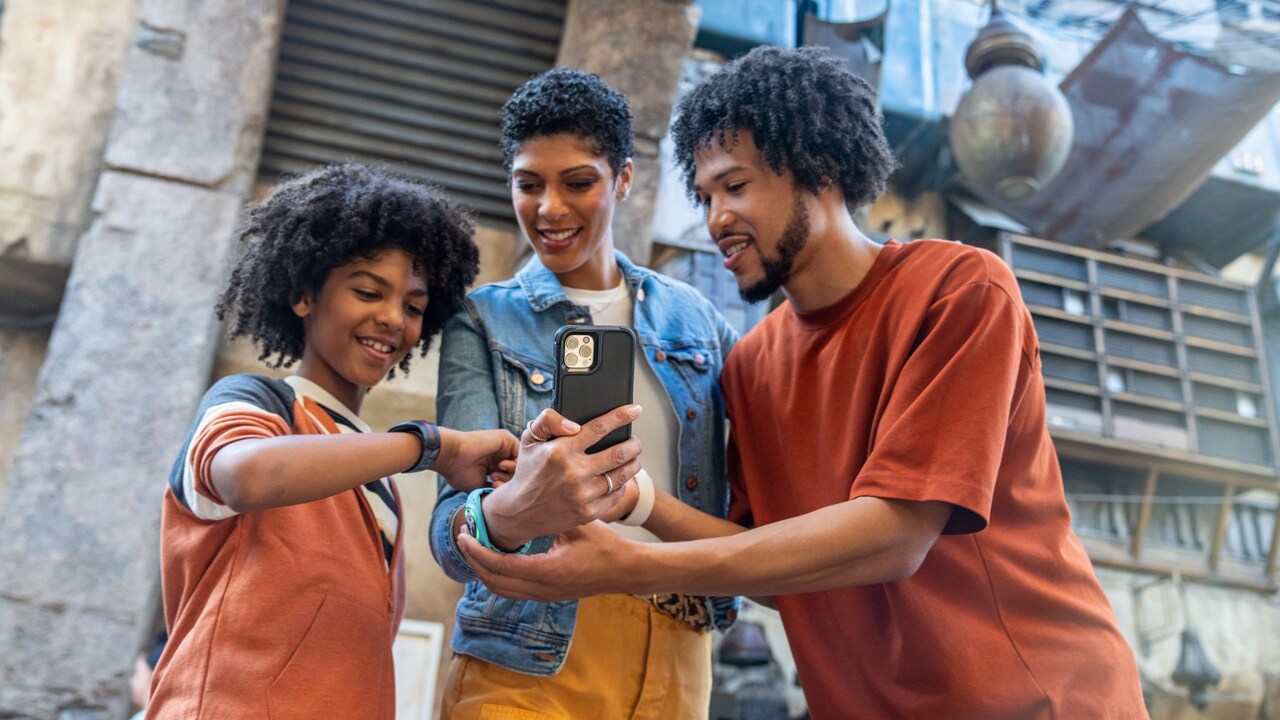
Star Wars Characters
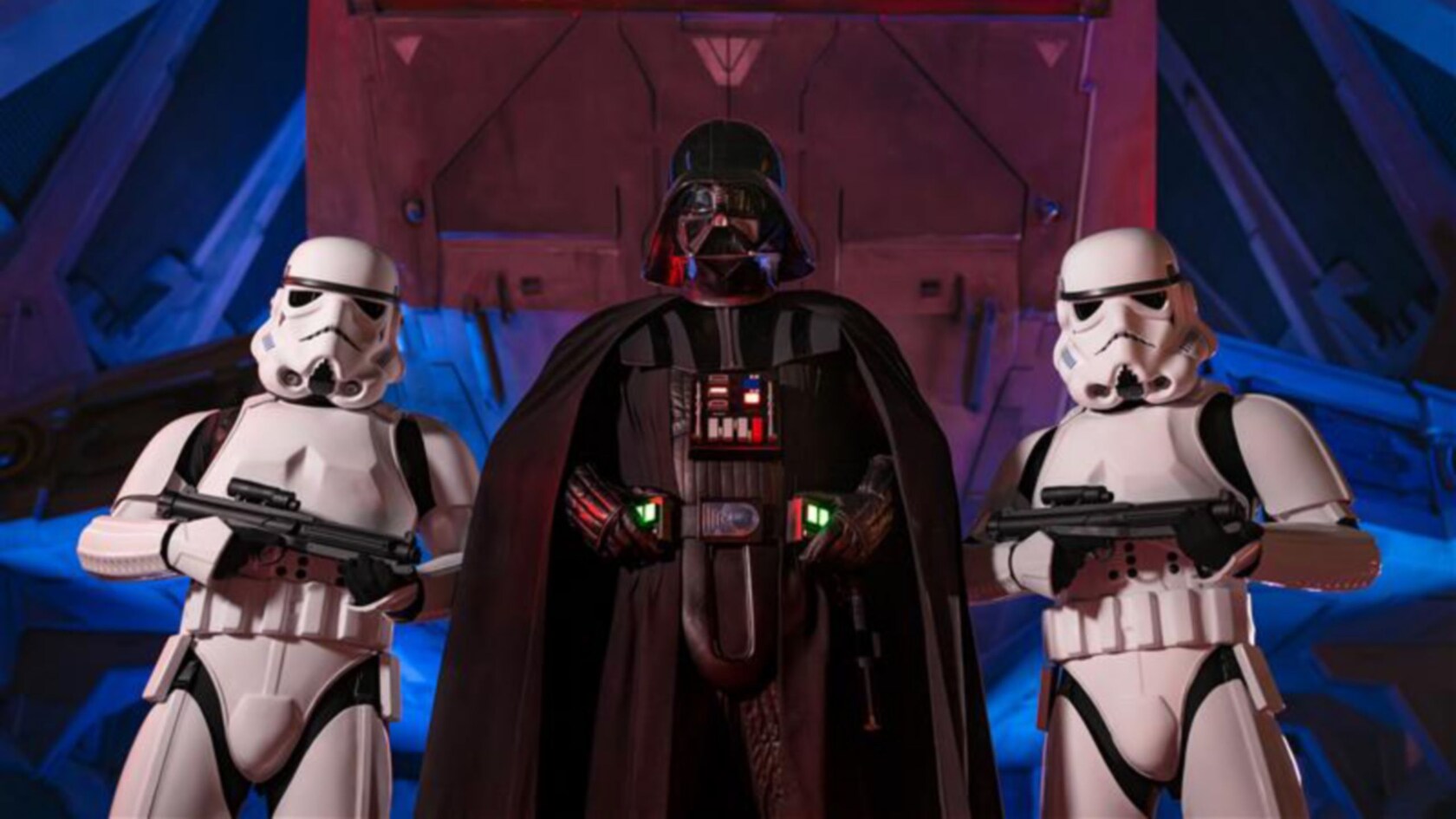
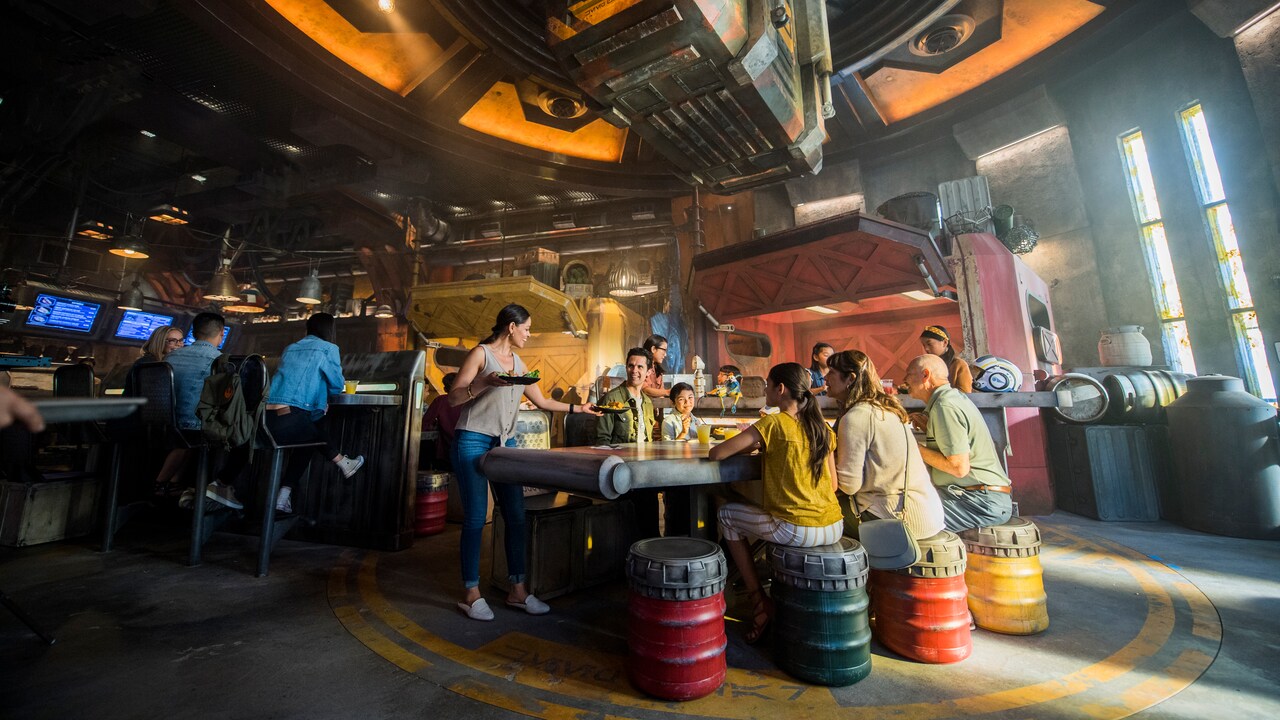
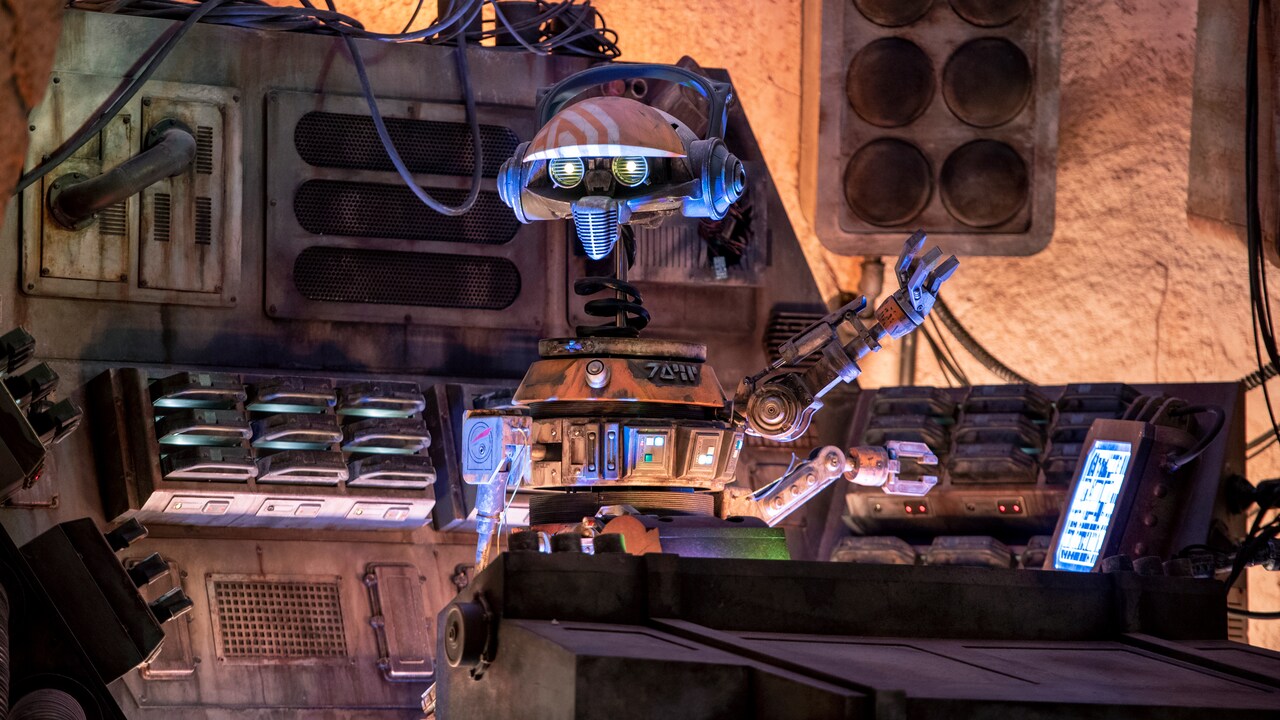



Star Wars Merchandise
Take the Adventure Home


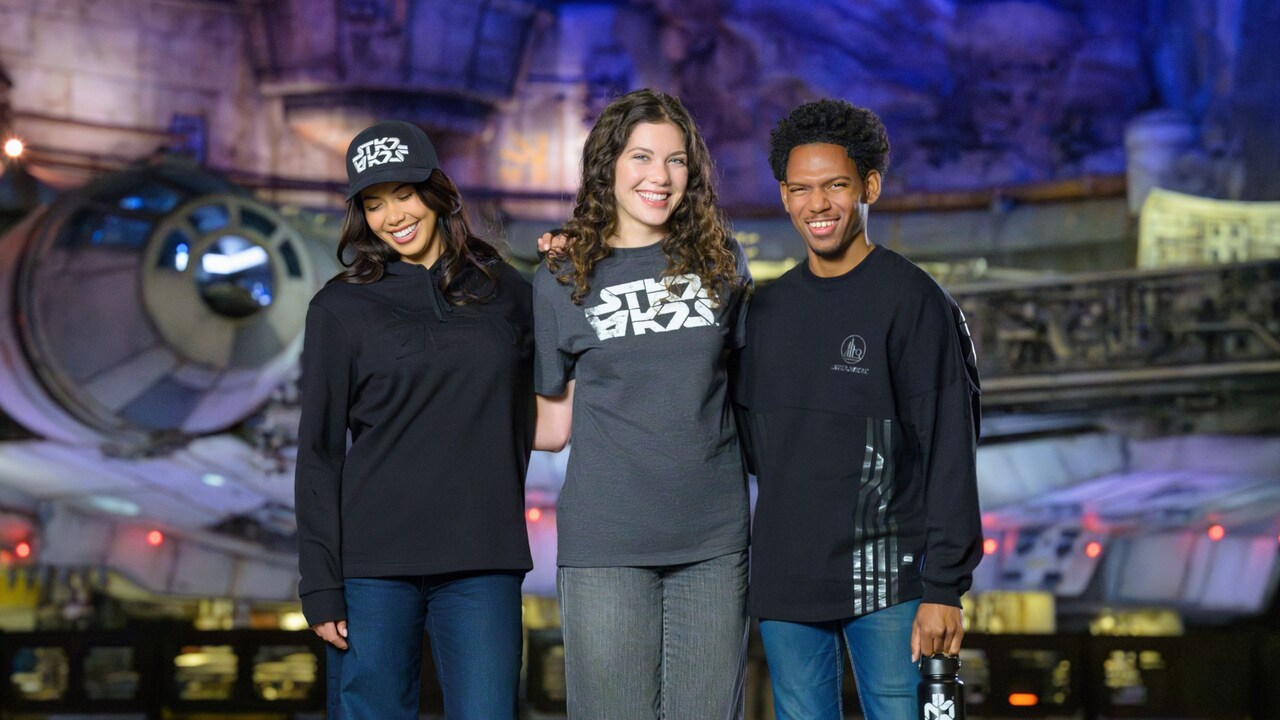
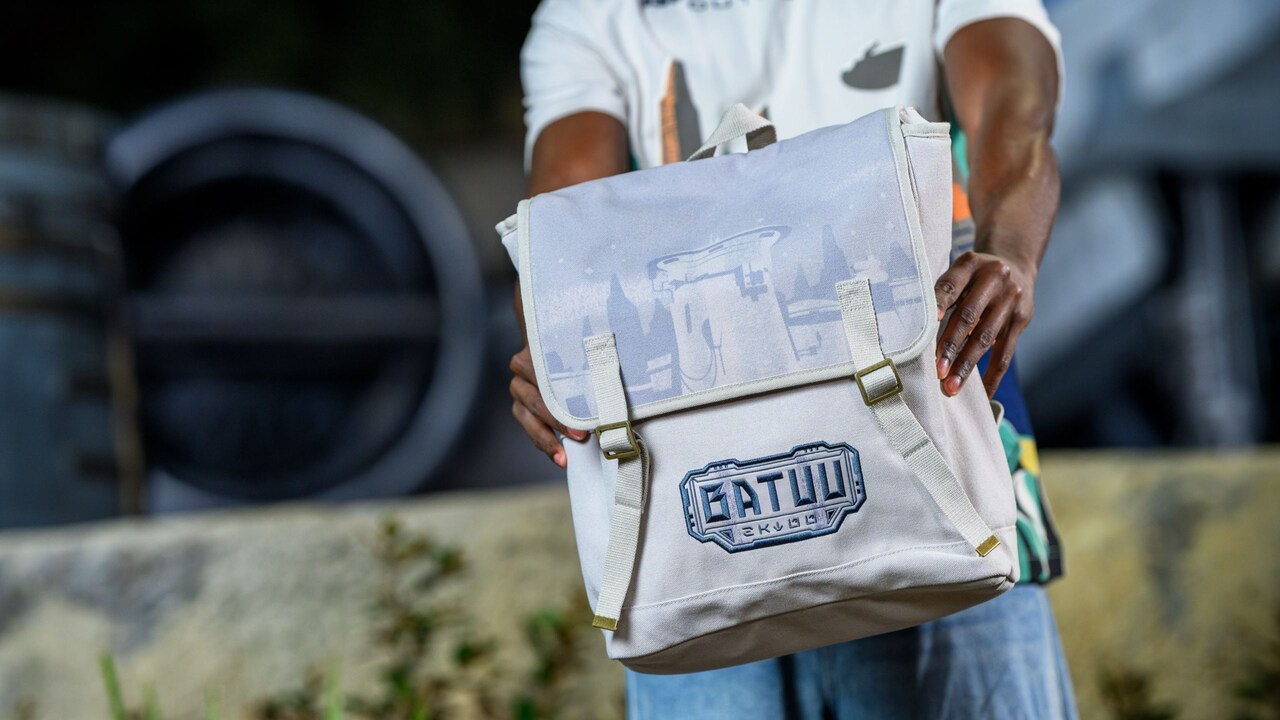
Star Wars Aurebesh Collection
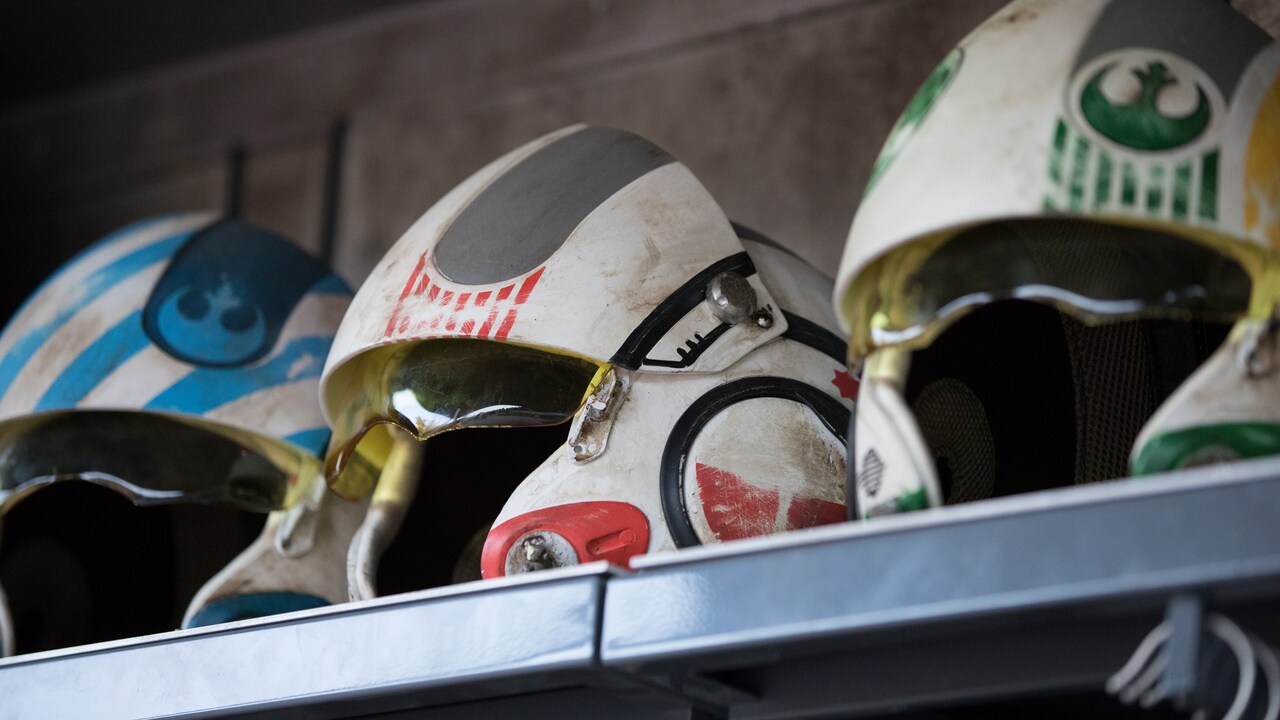
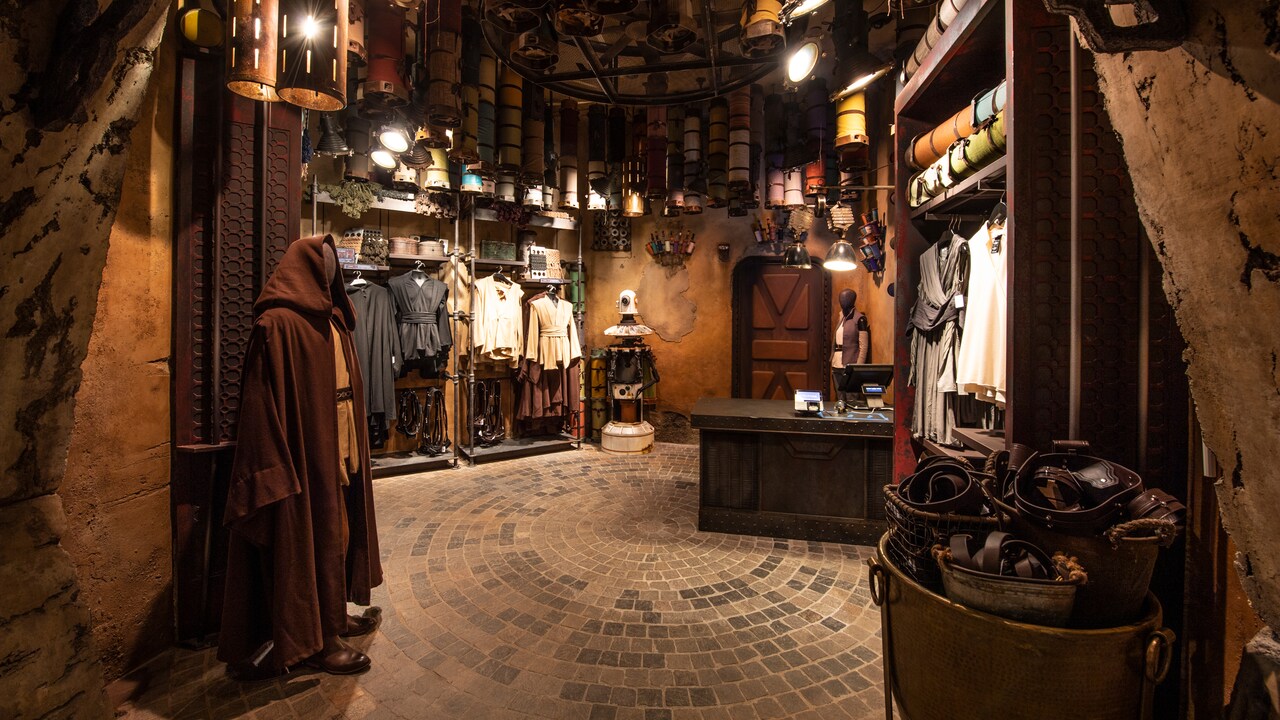
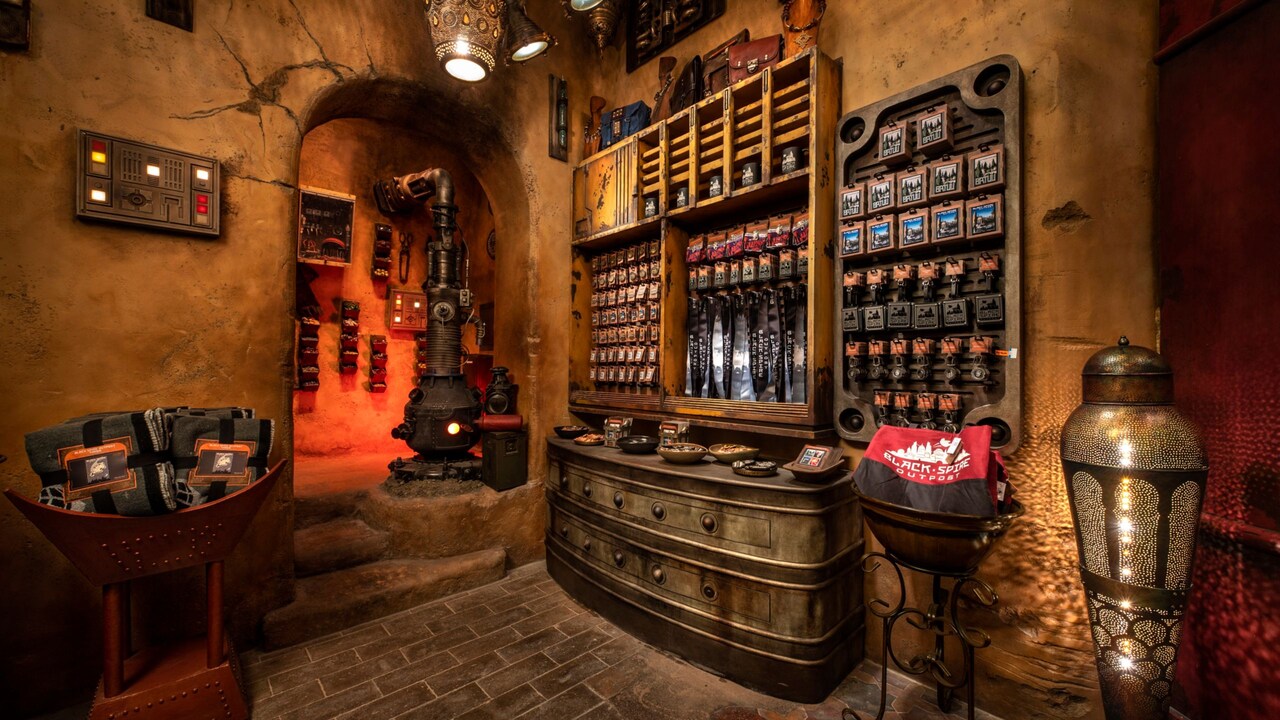
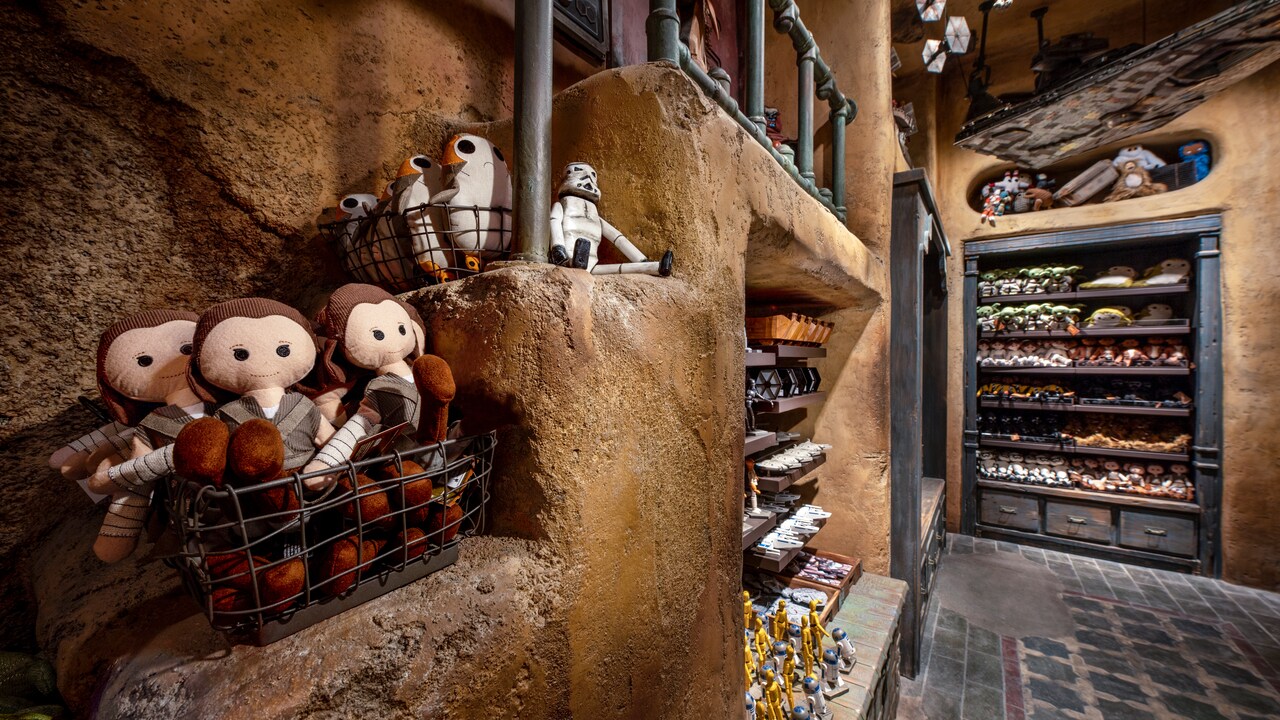
Shop a stylish collection emblazoned with Aurebesh, the alphabet from Star Wars—available while supplies last at Droid Depot and Black Spire Surplus.

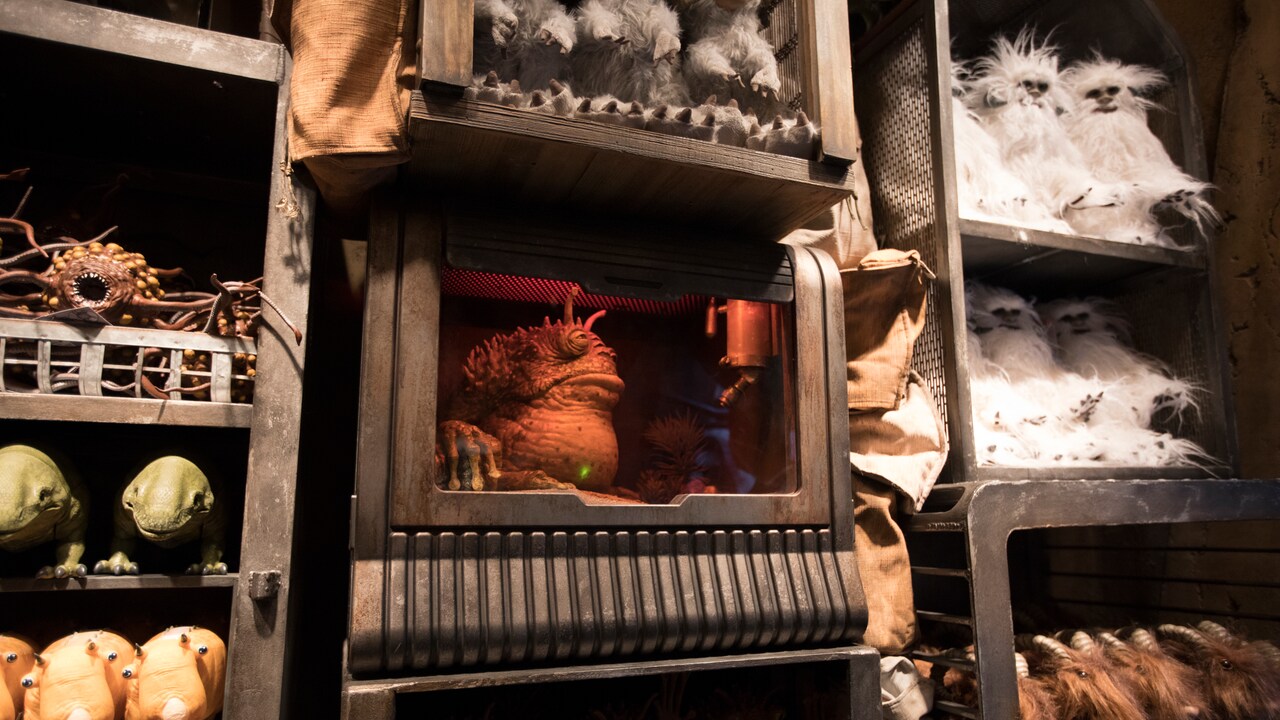
Shops of Batuu
Related Activities
Frequently Asked Questions
- Answer<em>Star Wars: Galaxy Edge</em> is located at Disneyland Park.
- AnswerBluetooth technology is a communication standard designed for short-range data exchange between devices. You may be familiar with it as it is commonly a feature in mobile phones, smart watches and even cars. BLE is a form of Bluetooth communication that requires only low power consumption, which is ideal for some kinds of device-to-device communication that only require small amounts of information to be sent or received. <br><br>Select locations throughout Disneyland Resort (the “Resort”) include BLE beacons, which are small radio transmitters. These BLE beacons may communicate with certain other Bluetooth-enabled devices, such as mobile phones or “smart” devices that have Bluetooth capability. The exchange of information is designed to allow you to enable certain interactive or personalized experiences and to improve the Guest experience. <br><br>Guests can visit the Resort without using BLE; however, certain features of the Resort experience are dependent upon BLE, including some personalized offerings. To participate using your Bluetooth-enabled mobile device, (1) download the <a href="/guest-services/download-disneyland-mobile-app/">Disneyland app</a> or the <a href="/guest-services/play-app/">Play Disney Parks app</a> (collectively “Disneyland Parks apps”) to your mobile device; and (2) enable Bluetooth services using your device settings. Certain personalized experiences may also require that Guests be logged in to their MyDisney account on the app. For other BLE-enabled products, including, for example, Astromech Droid Units or Made with Magic Connected Ear Hats, the device will automatically enable the Bluetooth technology when the device is turned on. <br><br>Guests can enjoy our theme parks without using BLE-enabled devices or products. Guests who have one or more Disneyland Parks apps on their mobile devices but do not want to receive interactive or personalized experiences based on interaction with such apps may disable the Bluetooth functionality on their device or disable the location permission for the installed Disneyland Parks apps while visiting the parks. Guests who have the Astromech Droid Units but do not want to receive interactive or personalized experiences based on interactions with the Droid may power off their Droid while visiting the parks. Note that an Astromech Droid Unit may interact with other Astromech Droid Units outside of the Resort if both units are turned on. <br><br>The BLE beacons are not GPS-based and do not enable collection of continuous location signals.
- AnswerWe strive to make your visit to the Disneyland Resort (the “Resort”) immersive and personalized. To enable these experiences, we may collect information from you online and when you visit the Resort. We value our Guests and are dedicated to treating the information you share with us with care and respect. As we continue to enhance the park experience and develop new ways of interacting with you, we will update this page. <br><br>The security, integrity and confidentiality of your information are extremely important to us. We have implemented technical, administrative and physical security measures that are designed to protect Guest information from unauthorized access, disclosure, use and modification. From time to time, we review our security procedures to consider appropriate new technology and methods. Please be aware that, despite our best efforts, no security measures are perfect or impenetrable. <br><br><strong>Information We Collect from You Online</strong><br>The information we collect from you through the Disneyland website or mobile app, the <a href="/guest-services/play-app/">Play Disney Parks app</a>, or our other online properties (collectively, the “Online Properties”) is handled in accordance with our <a href="https://privacy.thewaltdisneycompany.com/en/current-privacy-policy/" target="_blank">online privacy policy</a>. <br><br><strong>Information We May Collect From You When You Visit the Resort</strong><br>We may also collect certain information from you while you are at select locations throughout the Resort through Online Properties as well as through other means.
- AnswerFor your safety, some attractions have height requirements. <br><br><strong>38" (97 cm) or taller</strong><br><br><a href="/attractions/disneyland/millennium-falcon-smugglers-run/">Millennium Falcon: Smugglers Run</a><br><br><strong>40" (102 cm) or talle</strong>r <br><br><a href="/attractions/disneyland/hyperspace-mountain/">Hyperspace Mountain</a><br><a href="/attractions/disneyland/star-tours/">Star Tours – The Adventures Continue</a><br><a href="/attractions/disneyland/star-wars-rise-of-the-resistance/">Star Wars: Rise of the Resistance</a><br><br><a href="/attractions/">View a list of all attractions at the Disneyland Resort</a>. <br><br><strong>Please Check Our Disneyland Resort Rules</strong><br><br>We regularly update our <a href="/park-rules/">Disneyland Resort Rules</a> to ensure you have a safe and enjoyable experience. We ask that you review our Disneyland Resort Rules before your visit to avoid any delays or disruptions.
- Answer<a href="/dining/disneyland/ogas-cantina/">Oga’s Cantina</a> is subject to walk-up availability. Reservations are not offered for this experience. Guests may be asked to wait in a traditional standby queue. <br><br>For your convenience, you can <a href="/guest-services/mobile-food-orders/">order food right from the Disneyland app</a> for many of the quick-service dining options within the land, including:<ul><li><a href="/dining/disneyland/docking-bay-7-food-and-cargo/">Docking Bay 7 Food and Cargo</a></li><li><a href="/dining/disneyland/milk-stand/">Milk Stand</a></li><li><a href="/dining/disneyland/ronto-roasters/">Ronto Roasters</a></li></ul>View <a href="/dining/">all dining options</a> located throughout the Disneyland Resort.
- Answer<p>Depending on where you purchased your droid unit, contact one of the following Guest Services teams.</p><br><ul><li><strong>Disney Parks:</strong> Contact Merchandise Guest Services at <a href="mailto:Merchandise.Guest.Services@DisneyParks.com">Merchandise.Guest.Services@DisneyParks.com.</a></li><li><strong>Disney Store:</strong> Visit<a title="Disney Store support" href="https://support.disneystore.com/" target="_blank"> Disney Store support </a>(opens an external site).</li></ul>
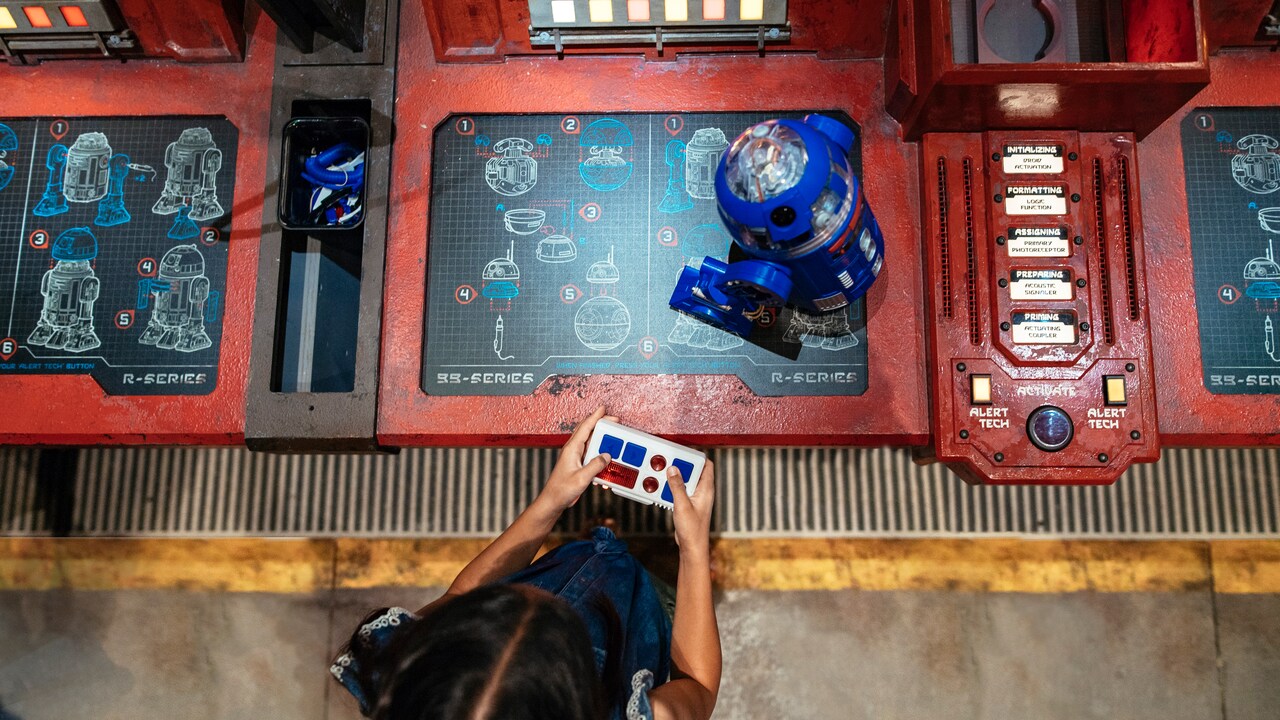
- Answer<p><strong>Important:</strong> Make sure your droid's Remote Controller is turned "off" before syncing to the Droid Depot app.</p><p>To connect or synchronize your droid with the Droid Depot app:</p><ol><li>Turn on your droid.</li><li>Launch the Droid Depot app.</li><li>Tap "I have a Droid!"</li><li>Tap "OK" when prompted to use Bluetooth.</li><li>When prompted to initiate droid communication synchronization, tap "Yes."</li><li>When prompted, turn your droid off, then tap "Continue" to start synchronization.</li><li>When prompted, turn your droid on, then tap "Continue" to complete synchronization.</li><li>Your droid will beep when synchronized successfully; tap "Yes" to confirm.</li></ol><h3><strong>Bluetooth Settings</strong></h3><p>Droids use Bluetooth technology to communicate. If you're having trouble connecting your droid, check your device's Bluetooth settings.</p><h4><span style="font-weight: normal;">On Your</span> iOS Device</h4><ol><li>Open "Settings."</li><li>Select "Bluetooth."</li><li>Tap the toggle to turn it on.</li></ol><h4><span style="font-weight: normal;">On Your</span> Android Device</h4><ol><li>Go to "Settings."</li><li>Select "Bluetooth."</li><li>Tap the toggle to turn it on.</li></ol><h3><strong>Location Settings</strong></h3><p>You may also need to verify or enable your location settings:</p><ol><li>Go to "Settings."</li><li>Select "Location."</li><li>Tap the toggle to turn it on.</li></ol>
- Answer<p>The Droid Depot app lets you play games with your Droid Depot Custom Astromech Droid outside the park and build a Digital Droid.</p><h3><strong>Supported Devices</strong></h3><p>The Droid Depot app requires the following minimum operating systems.</p><ul><li><strong>iOS:</strong> iOS 14 or later</li><li><strong>Android:</strong> Android 13 or later</li></ul><h3><strong>Support for Modified Devices</strong></h3><p>Disney Mobile Support does not troubleshoot the app on device hardware or software that has been modified from original specifications (for example, "rooted" or "jailbroken" devices). Support is limited to officially sanctioned versions of device hardware and software.</p><p>You can find the Droid Depot app in your device's app store.</p>
- Answer<h3><strong>Piloting Your Droid</strong></h3><p>You can control or pilot your connected droid using the Droid Depot app.</p><ol><li>Launch the Droid Depot app.</li><li>From the main menu, select "Piloting."</li><li>Tap "Initiate" to launch the user interface.</li></ol><p>Pro Tips:</p><ul><li>Touch and drag the directional pad or tap and hold the arrow buttons to move.</li><li>Tap the function buttons for sound and lights.</li></ul><h3><strong>Choreographing a Dance Sequence</strong></h3><p>You can also set your connected droid to dance to the beats of DJ R3X using the Droid Depot app.</p><ol><li>Launch the Droid Depot app.</li><li>From the main menu, select "Maneuvering."</li><li>Tap to choose one of the 3 tracks.</li><li>Tap "Initiate" to launch the user interface.</li><li>Drag the movement icons to the empty boxes in the order you'd like your droid to move. For example, to have your droid spin right, zig-zag, and then spin left, place those icons in that order from left to right.</li><li>Tap "Initiate" and watch your droid dance.</li><li>To return to the main menu, tap "Pause" and select the "Main Menu" tab.</li></ol><p>You can find the Droid Depot app in your device's app store.</p>
