Buying a Portable Charger
Portable chargers are available for purchase at third-party-operated kiosks located throughout Disneyland Resort. Simply follow the on-screen prompts and use any major credit card to dispense a portable charger.
Charging Your Mobile Device
To charge your device, use the cables provided to connect to the portable charger.
Recharging or Replacing the Portable Charger
If the portable charger runs down (indicated by 4 LED lights on the charger), you can:
- Recharge it using a USB cable to plug into a computer or into an AC outlet through a USB charging port.
Or - Swap it for a fully charged replacement at any third-party-operated portable charger kiosk.
Disney does not operate and is not responsible for the portable charger kiosks or the portable charger devices.
Battery-Saving Tips
To help keep your mobile device charged longer:
- Lower the screen brightness
- Shorten the screen timeout setting
- Turn off automatic cloud uploads for photos and videos
- Disable your personal hotspot
- Plug in to a portable battery
Disney does not operate and is not responsible for the portable charger kiosks or the portable charger devices.
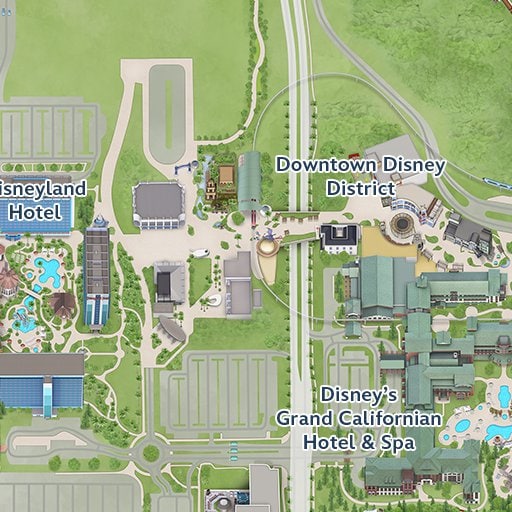
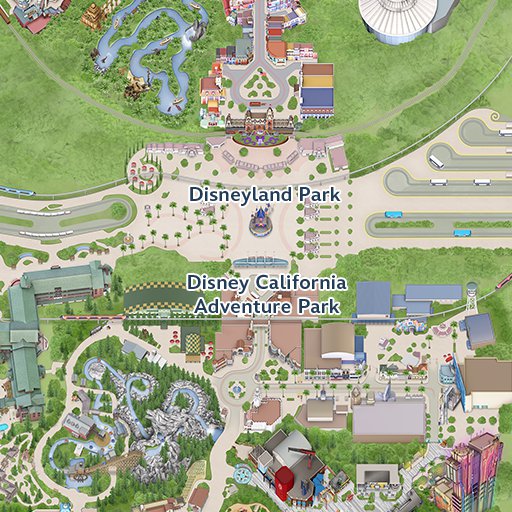
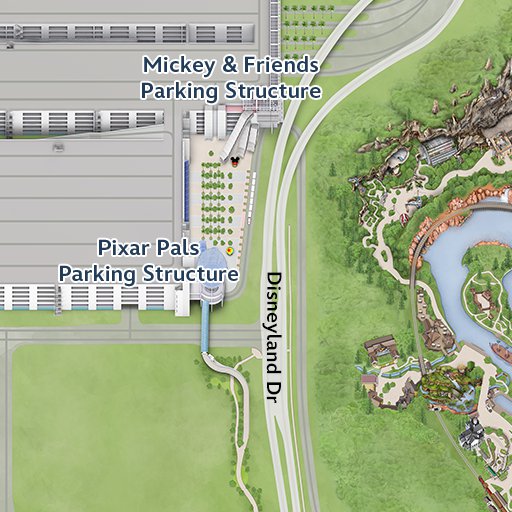
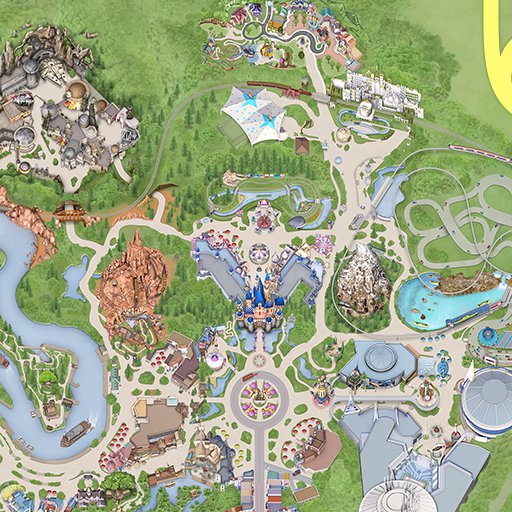
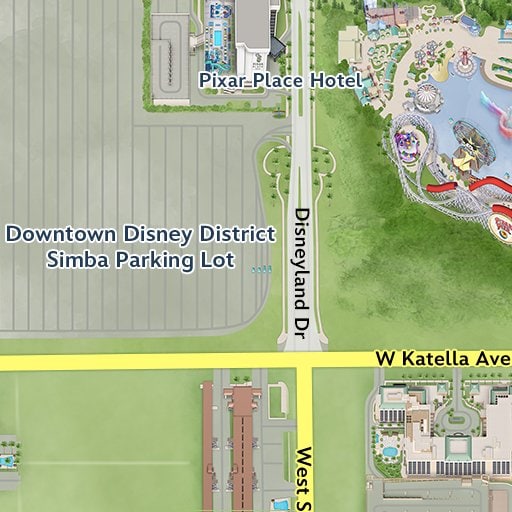
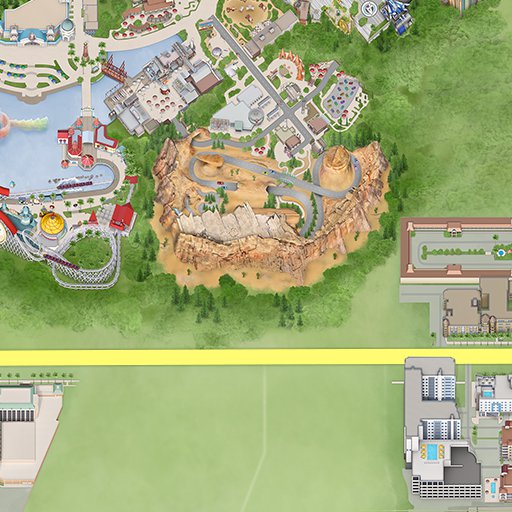
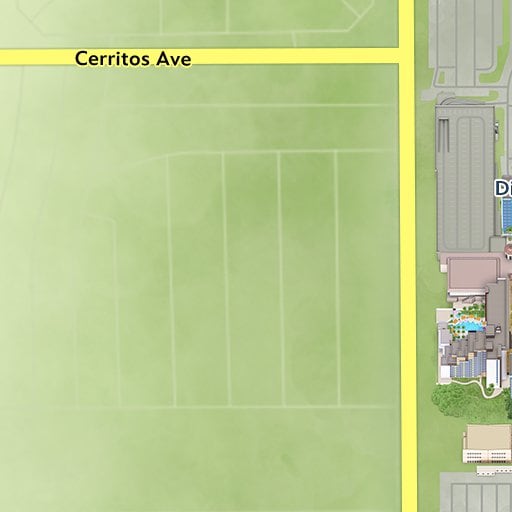
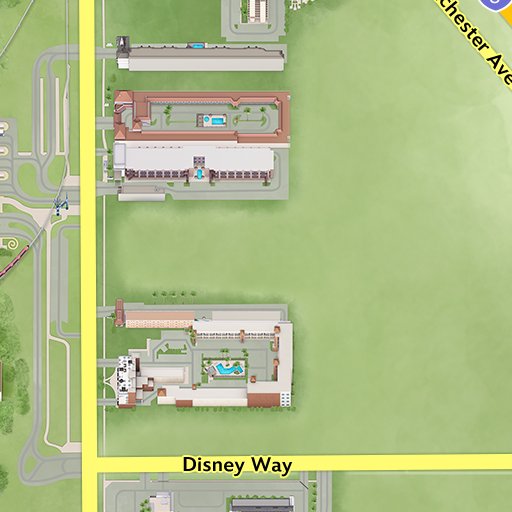
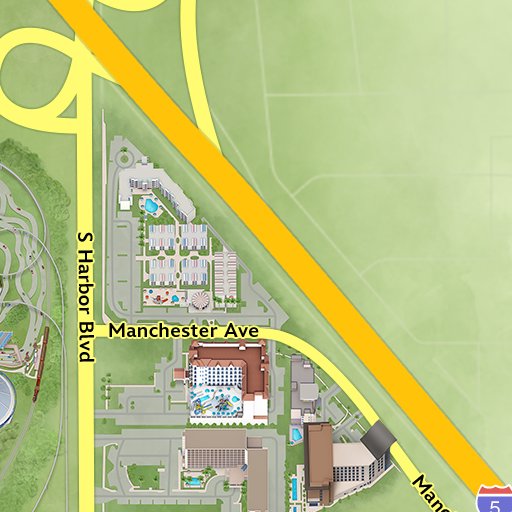
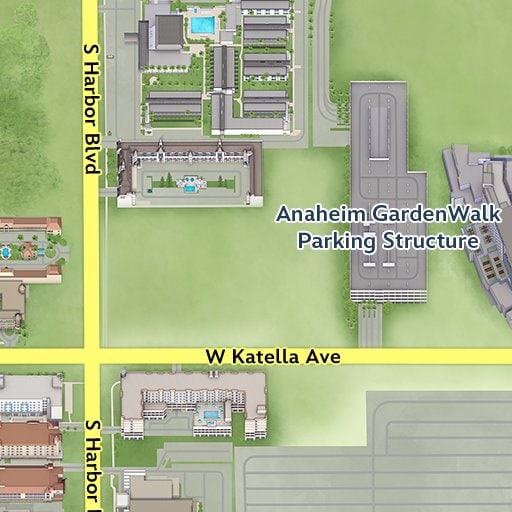
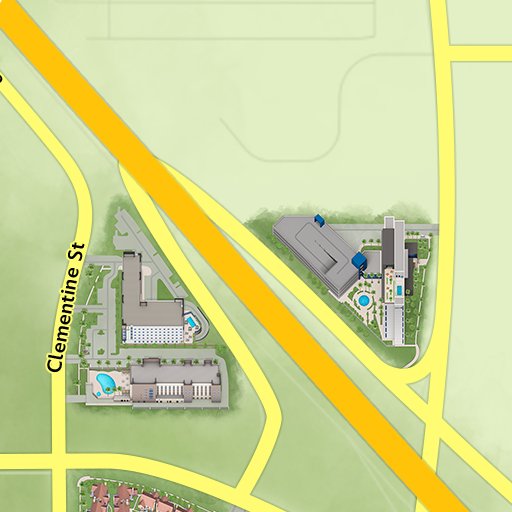
Find Portable Phone Charging Systems Kiosks
Disneyland Park
Disneyland Resort Area
Disney California Adventure Park