Car Locator
- Is a complimentary feature that uses Location Services to find and save your parking details in-app
- Also allows you to manually enter your vehicle information without Location Services enabled
- Is available at select parking locations at the Disneyland Resort
- Functions best when you enable Location Services, Bluetooth technology and Notifications on your mobile device
How to Use Car Locator – 3 Easy Steps
- After parking your vehicle, open the Disneyland app and tap the Car Locator card on the home screen or the “Car Locator” button in the menu (☰).
- Follow the prompts to manually enter your parking information. If you enable Location Services on your device, car locator can help fill in details for you.
- When you’re ready to leave, return to car locator for your parking information. If you’ve enabled notifications, we'll even remind you!
Where Does Car Locator Help You?
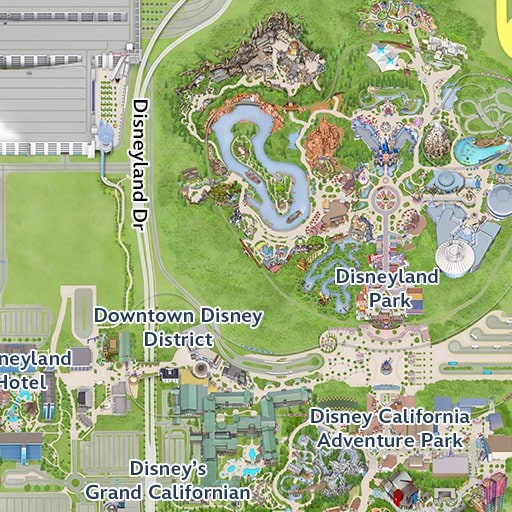
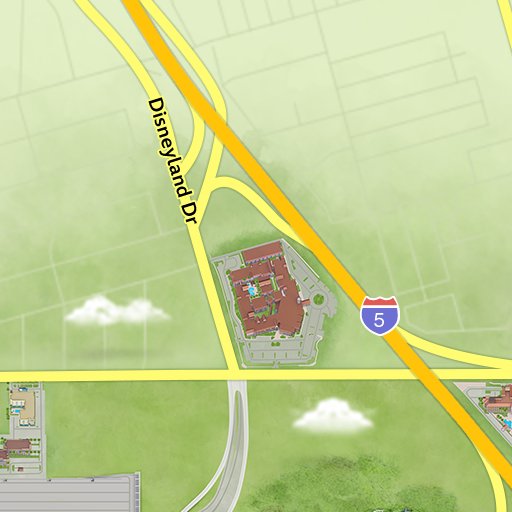
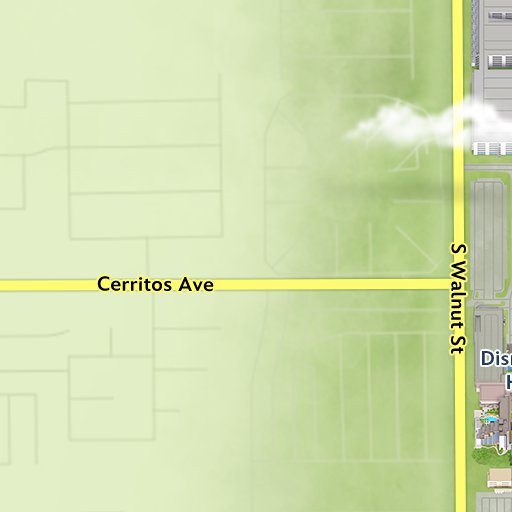
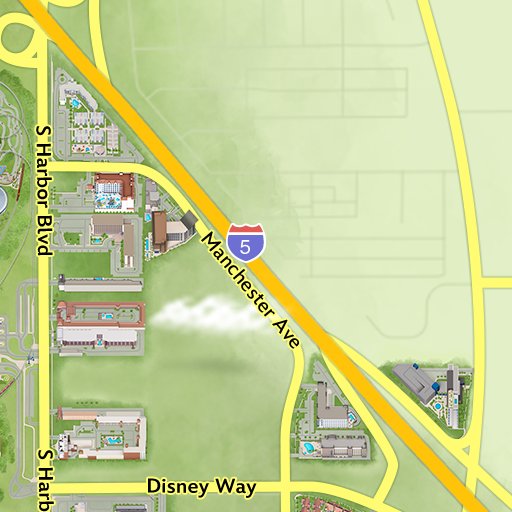
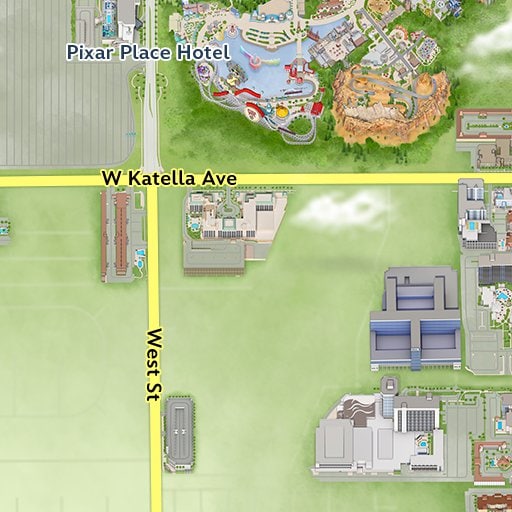
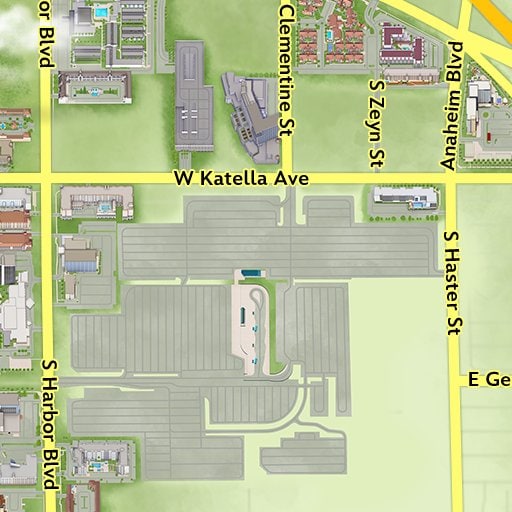
Car locator is available at the following select parking locations:
- Mickey & Friends Parking Structure
- Pixar Pals Parking Structure
- Toy Story Parking Area
- Simba Parking Lot

Presented by State Farm Insurance.
Need More Assistance?
Parking Information has an overview of the parking resources available to you at the Disneyland Resort.
Find Car Locator
Disneyland Park